


How the address is filled in
This article explains what happens when a customer types a Japanese postcode, on which forms it happens, and what the plugin leaves alone.
Where it works
- The checkout built with the Checkout block, which new WooCommerce stores use.
- The classic checkout built with the
[woocommerce_checkout]shortcode. - My account → Addresses, when a customer edits their billing or shipping address.
The billing and the shipping address are each filled in on their own. The plugin’s scripts load only on these forms.
What gets filled in
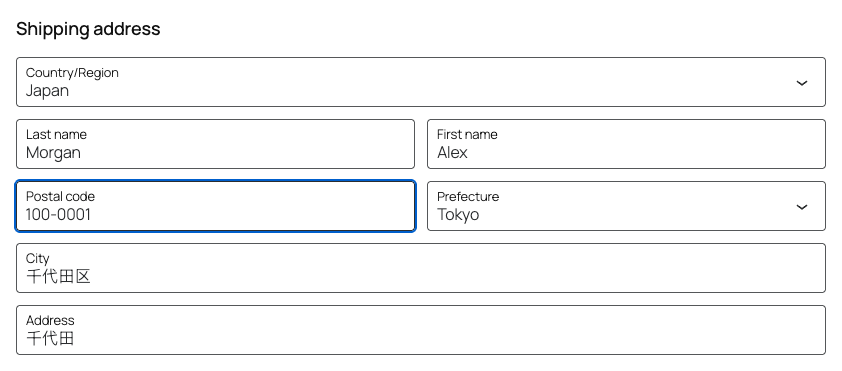
When the country of the address is Japan, the plugin waits until the postcode has seven digits, then fills in three fields:
| Field in the Checkout block | Field in the classic checkout | Example for 100-0001 |
|---|---|---|
| Prefecture | Prefecture | Tokyo |
| City | Town / City | 千代田区 |
| Address | Street address | 千代田 |
The customer then adds the block and building numbers to the address line.
The postcode decides the prefecture and the city, so those two always follow it. The address line is filled in only while it is empty, or while it still holds what the plugin put there. Anything the customer typed into it stays.
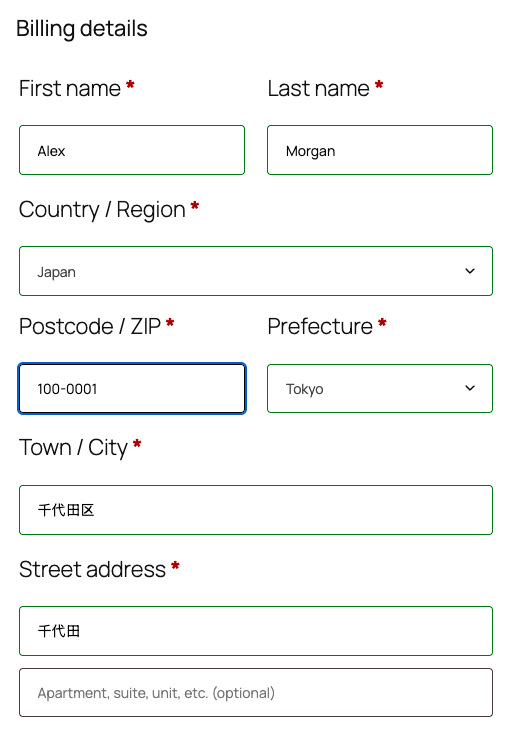
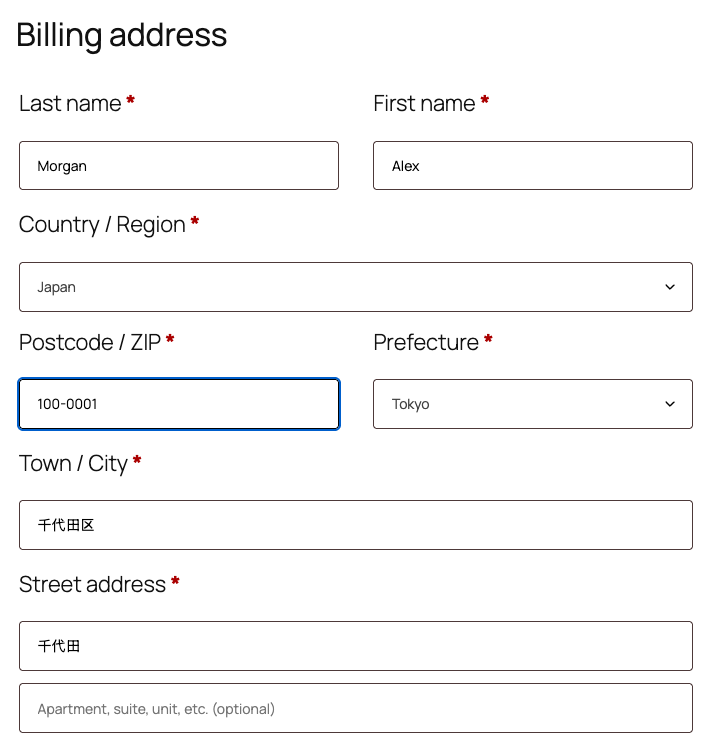
The classic checkout and My account → Addresses fill in the same fields under their own labels:
When the customer changes the postcode
- A different postcode moves the prefecture and the city to the new place. The address line moves too, unless the customer typed their own.
- Deleting a digit, so the postcode is no longer complete, clears what the plugin filled in. What the customer typed stays.
- A complete postcode that Japan Post does not list also clears what the plugin filled in, and the customer types the address.
Full-width digits
Customers who type with a Japanese input method often enter full-width digits, such as 100-0001. The plugin reads them as they are, and as soon as all seven digits are in, it rewrites them as 100-0001, the form WooCommerce accepts. While the input method is still composing the digits, it waits until the customer confirms them.
Addresses outside Japan
The plugin acts only when the country of the address is Japan. For any other country, the form works as it did before.
Customers who use a screen reader
When the plugin fills in an address, screen readers announce “Address filled in from the postcode.”, so the customer knows the fields below the postcode have changed.